Operational language
Support conversations use prep, BEO, batch, and release vocabulary—not abstract ticket jargon.

Enterprise Support Center
MiseCentral serves restaurants, hotels, catering companies, and food production operations where downtime during service is not an option. This page explains how we help customers before, during, and after go-live. It is an overview—not where you open support tickets. Active customers use the support channels defined in their agreement, inside the product.
Enterprise Support Philosophy
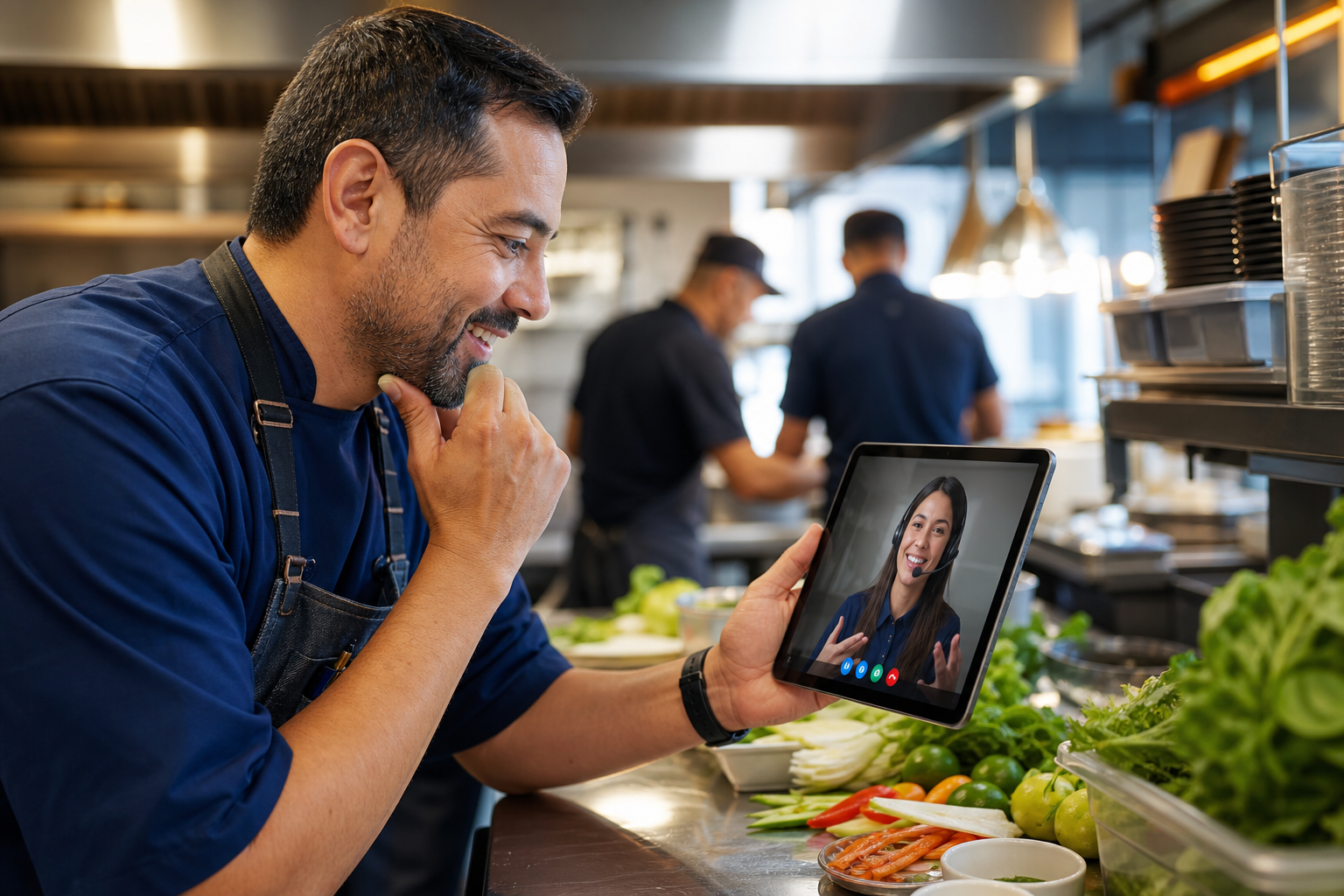
Hospitality support is not generic IT helpdesk work. Your team runs prep lists, banquet BEOs, batch releases, and multi-location rollups—often during live service. MiseCentral support is designed around operational language, not ticket categories invented by people who have never worked a dinner rush.
Technical Support
Technical support covers authenticated platform access, performance issues, integrations, data imports, and environment-specific configuration. Prospects evaluating the platform should start with the Trust Center and Procurement Center.
Enterprise customers receive technical support through channels defined in their agreement—typically in-product request flows and designated contacts. Public beta customers should use Contact and include environment, organization, and steps to reproduce.
Customer Support
Customer support handles account administration, contract questions, user provisioning guidance, and coordination with your customer success contact. Sales and support paths converge at Contact for prospects not yet under agreement.
Product Help
Product help explains how Prep, Production, Scheduling, Quality, Catering & Events, and other capabilities apply to your business profile. Start with Capabilities and your industry vertical page for operational context.
A full knowledge base and searchable documentation center are on the product roadmap. Until those ship, implementation and support teams provide guided onboarding and role-based walkthroughs.
Onboarding Assistance
Onboarding aligns Business Profile, operational models, capability activation, and workspace composition with how your team actually runs. Enterprise rollouts include phased location onboarding, data migration planning, and training for owners, GMs, chefs, QA leads, and operations directors.
Book a demo through Contact to discuss onboarding scope for your operation type—restaurant group, hotel portfolio, catering commissary, or production facility.
Ticket Requests
Current: Prospects and evaluation contacts use Contact or Book a Demo. Include urgency, affected locations, and operational impact.
Future: Authenticated in-product ticket submission, priority tiers by agreement, and attachment support for screenshots and export files. This marketing page does not accept tickets directly—no backend ticket system is connected here.
System Status Communication
Current: Enterprise customers receive incident communication through agreement-defined channels. We do not publish a public status page URL until operations and legal align on SLA language.
Future: Public status page with component-level health, scheduled maintenance windows, and subscription options for operations and IT contacts.
Company Brain Assistance
Company Brain helps operators understand what changed and what to consider next—within authorized operational context. It is not a support chatbot replacement. When Company Brain surfaces something your team cannot resolve, human support remains the escalation path.
Escalation Process
Support expectations vary by agreement tier. General principles:
Critical paths route to on-call engineering and leadership per customer agreement. We do not invent guaranteed response times on this public page.
Support Expectations
Support conversations use prep, BEO, batch, and release vocabulary—not abstract ticket jargon.
Every request has an accountable owner on both customer and MiseCentral sides.
We diagnose from logs, configuration, and reproducible steps—not guesses.
We separate what works in the product today from features still on the roadmap—including the knowledge base and status page.
Contact Options
FAQ
Prospects use Contact. Authenticated customers use in-product support channels per their agreement. This page does not submit tickets.
Coverage hours and on-call escalation are defined in customer agreements—not claimed generically on this marketing site.
The Resource Center has guides and learning paths for operators and buyers. Customer Stories document implementation journeys and operational outcomes. In-product documentation and a searchable knowledge base ship with the platform. See the Procurement Center for enterprise evaluation paths.
Enterprise security and procurement requests route through Procurement and sales.
Our team understands hospitality operations—not just software tickets.