MiseCentral
Adaptive Operating System
- Recipes
- Production
- Inventory
- Purchasing
- Quality
- Traceability
- Operational Evidence
- Inspection Readiness
- Maintenance
- Training
- Labor Planning
- Business Review
- Company Brain
- Reporting

Product Tour Center
Walk living-day desks—production, inventory, quality, shift change, leadership, and Company Brain—with product previews from a governed demo. This is not an interactive SaaS session. Book a demo for a guided walkthrough with your scenarios.
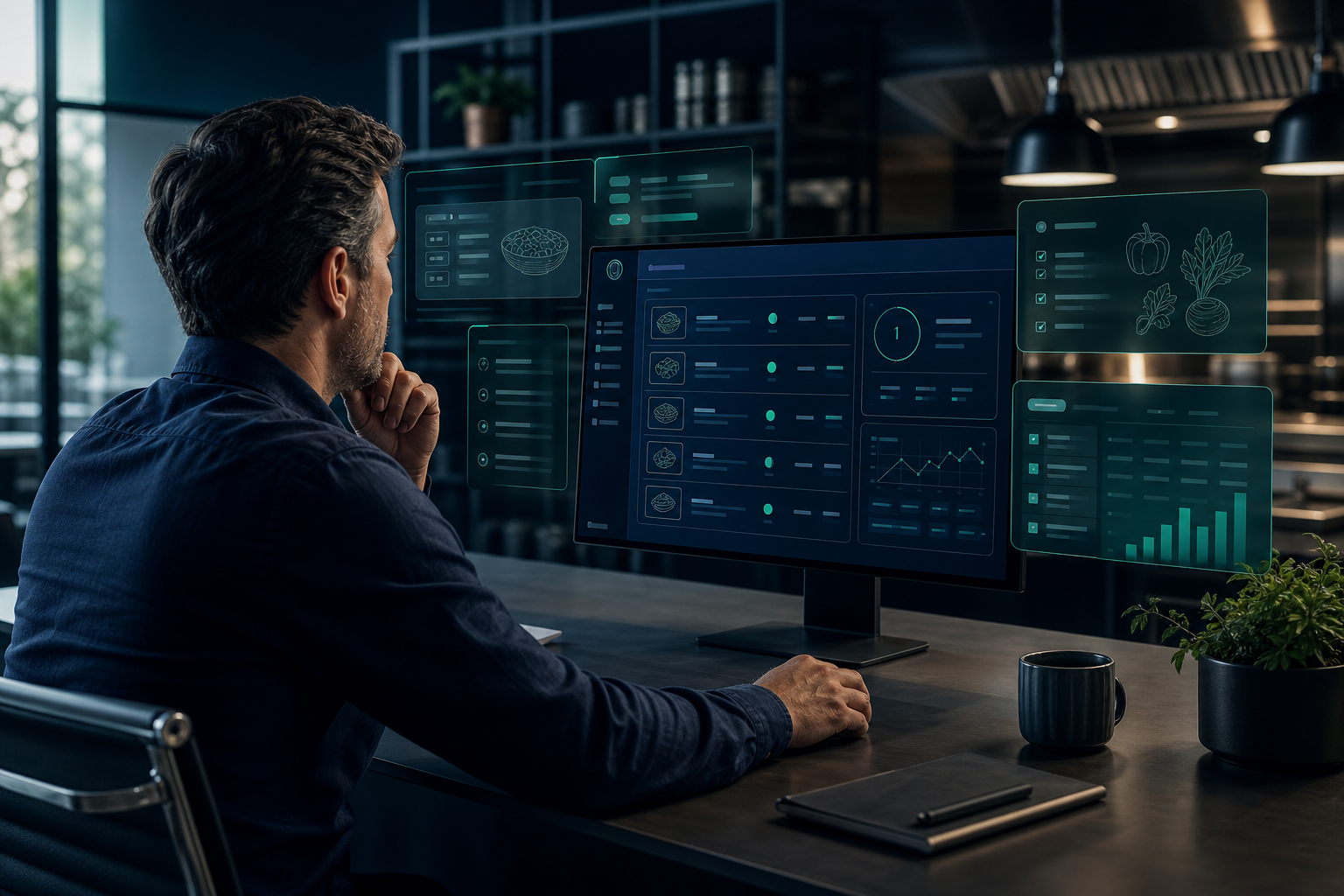
Platform Overview
MiseCentral connects recipes, production, inventory, purchasing, quality, and reporting in one governed platform. Each role sees desks shaped by their Business Profile—without switching between disconnected tools.
Preview only: Product previews from a governed demo environment—not a substitute for a live demo, and not live customer data.
Connected Ecosystem
Recipes, production, inventory, quality, traceability, Operational Evidence, and Company Brain are not separate tools. They are connected capabilities operating from one shared platform foundation.
Illustrative categories—no vendor logos or certifications.
Adaptive Operating System
Illustrative results from a connected operational layer.
Workspace Tour
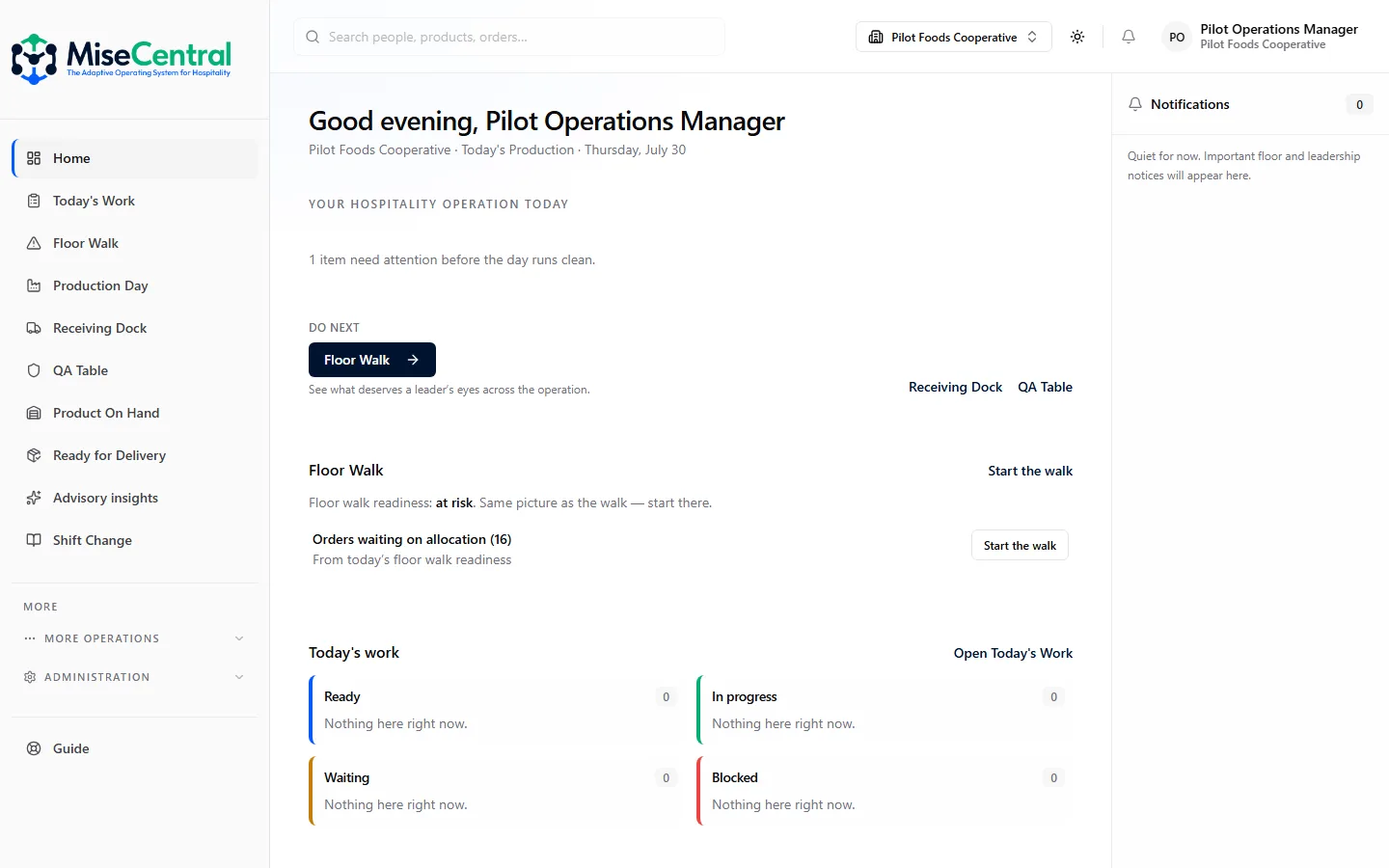
Select a workspace to see purpose, users, illustrative workflow, expected outcome, and a conceptual preview. See also Capabilities.
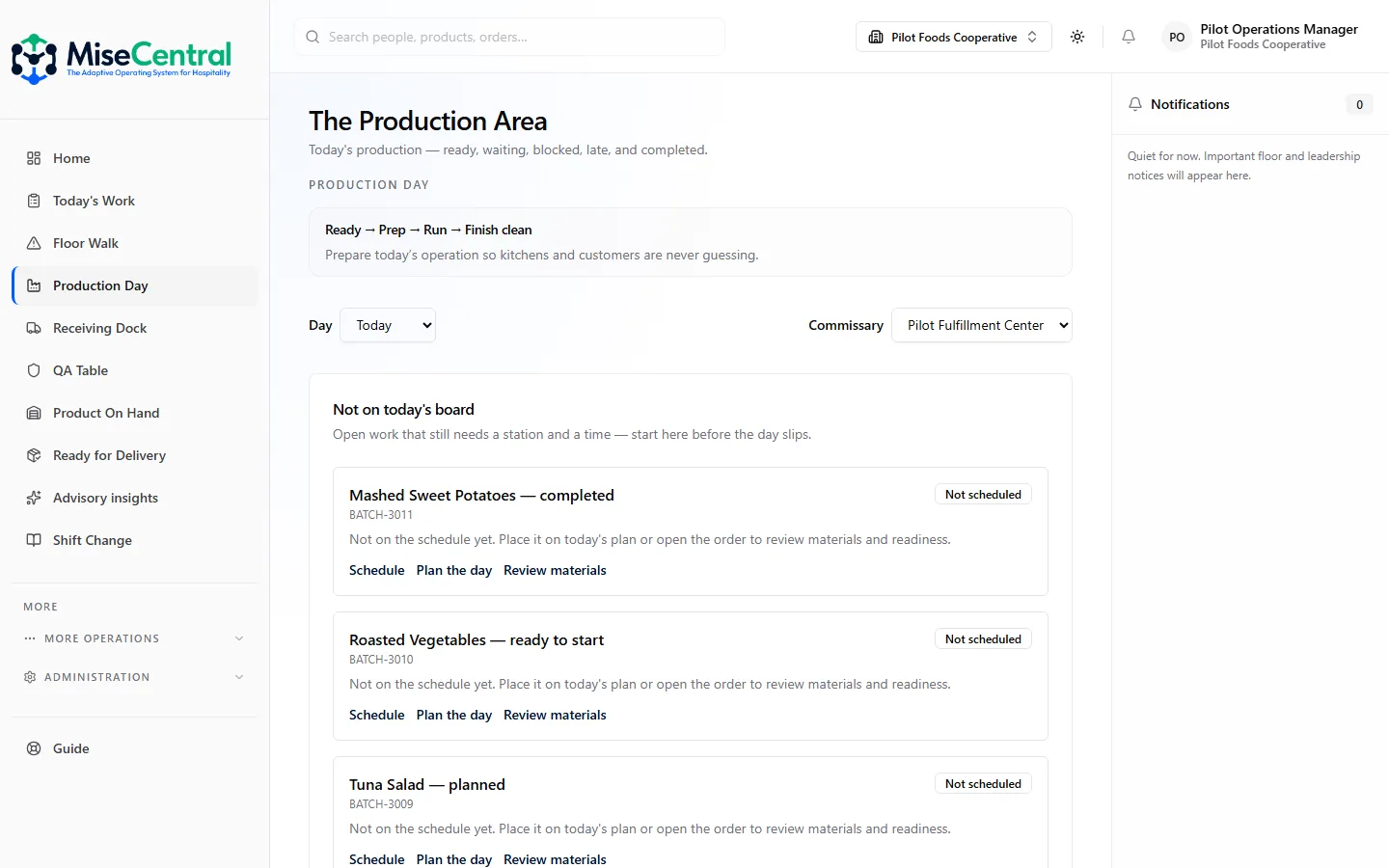
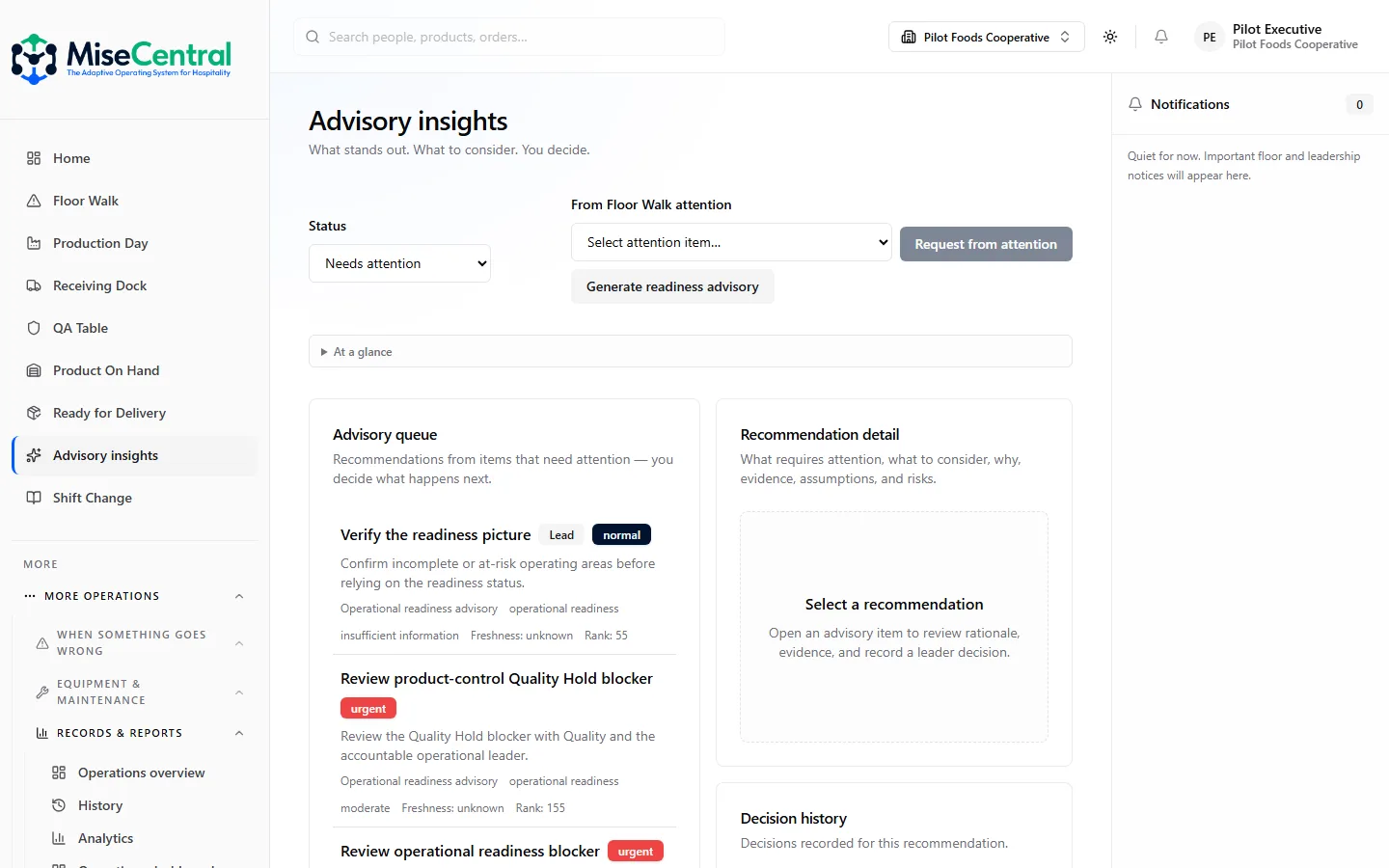
Workspace tour mixes conceptual mocks and product previews from a governed demo—not a live SaaS session or customer data.
Industry Tour
Conceptual workflow examples—explore full vertical coverage on Industries.
Recipe governance, prep scheduling, and multi-location food cost roll-up.
Representative workflow: publish recipe → prep → service → margin review
Restaurant hub →Banquet, outlet, and room service under one production calendar.
Representative workflow: BEO → prep windows → outlet handoff → property roll-up
Hospitality hub →Event production, commissary output, and off-premise fulfillment.
Representative workflow: event order → batch plan → pack-out → delivery proof
Catering hub →Batch release, HACCP, and lot genealogy for manufacturers and commissaries.
Representative workflow: formula → batch → QA hold/release → ship
Production hub →Case pars, rotation, and daypart replenishment across prepared foods.
Representative workflow: par signal → production → case facing → shrink review
Retail Food hub →Pick, pack, cold chain, and OTIF discipline across DC network.
Representative workflow: pick confirm → load → delivery proof → customer receiving
Distribution hub →Company Brain Tour
Company Brain observes operational patterns and recommends next steps with evidence. It does not replace human judgment or autonomously change recipes, batches, or releases.
Variance, waste, and schedule drift surfaced from governed records—not generic industry averages.
Recurring shrink, margin drift, and OTIF patterns across locations and dayparts.
Structured checkpoints recommending capability depth when operational history supports it.
Network patterns visible to leadership—drill-down to location evidence.
Actionable suggestions with rationale—operators approve before execution.
Guidance evolves as your data history grows—grounded in your tenant, not the open internet.
Customers remain in control. Company Brain assists operators; it does not autonomously execute operational changes. See what Company Brain observes.
Leadership experience
Pair with ROI Center for illustrative value framing and Customer Stories for rollout narratives.
Mobile Experience
MiseCentral is built for responsive workflows on tablets and phones. This is not a claim about a separate native mobile app—describe floor use as responsive web experiences.
Recipe revisions, PO releases, and hold dispositions from mobile—when authorized.
Prep lists, quality checks, and production steps assigned to floor roles.
Inventory counts and par reviews at the shelf—not back-office only.
Dock receipt with lot capture and variance flags on mobile.
CCP monitoring and temp logs at the point of measurement.
Review summaries and recommendations readable on any screen size.
FAQ
No. Workspace previews are conceptual mockups in MiseCentral design language—not real application screenshots or interactive functionality.
Documentation explains how to use features after purchase. This tour introduces how the platform fits buyer evaluation—paired with Resources and Support for depth.
Book a demo through Contact Sales for a guided session with your scenarios. There is no self-serve SaaS sandbox on this marketing site.
No. Company Brain assists operators with evidence-grounded recommendations. Customers remain in control of recipes, releases, and operational decisions.
See the platform with your recipes, locations, and workflows—not generic mockups.
The Adaptive Operating System begins with Work Intelligence: understand recipes, receiving, production, and verification before recommending who covers the day.